
Workflow automation eliminates manual handoffs that kill enterprise speed. Our AI workflow automation platform connects systems, applies decision logic, and learns from outcomes so processes get faster every quarter.
Workflow automation is a key service from demelos for enterprise teams ready to ship AI to production.
Pair workflow automation with AI document intelligence, AI email triage, and an AI strategy roadmap to compound results across every enterprise process.
According to McKinsey State of AI report, enterprise AI adoption continues to accelerate across mid-market and Fortune 500 companies.
We build AI-powered workflow automations that connect your tools and replace tedious manual processes — invoice processing, report generation, data entry, approvals, follow-ups — with reliable systems that just run.
Book Your Free 30-min AI Audit → ← Back to AI Services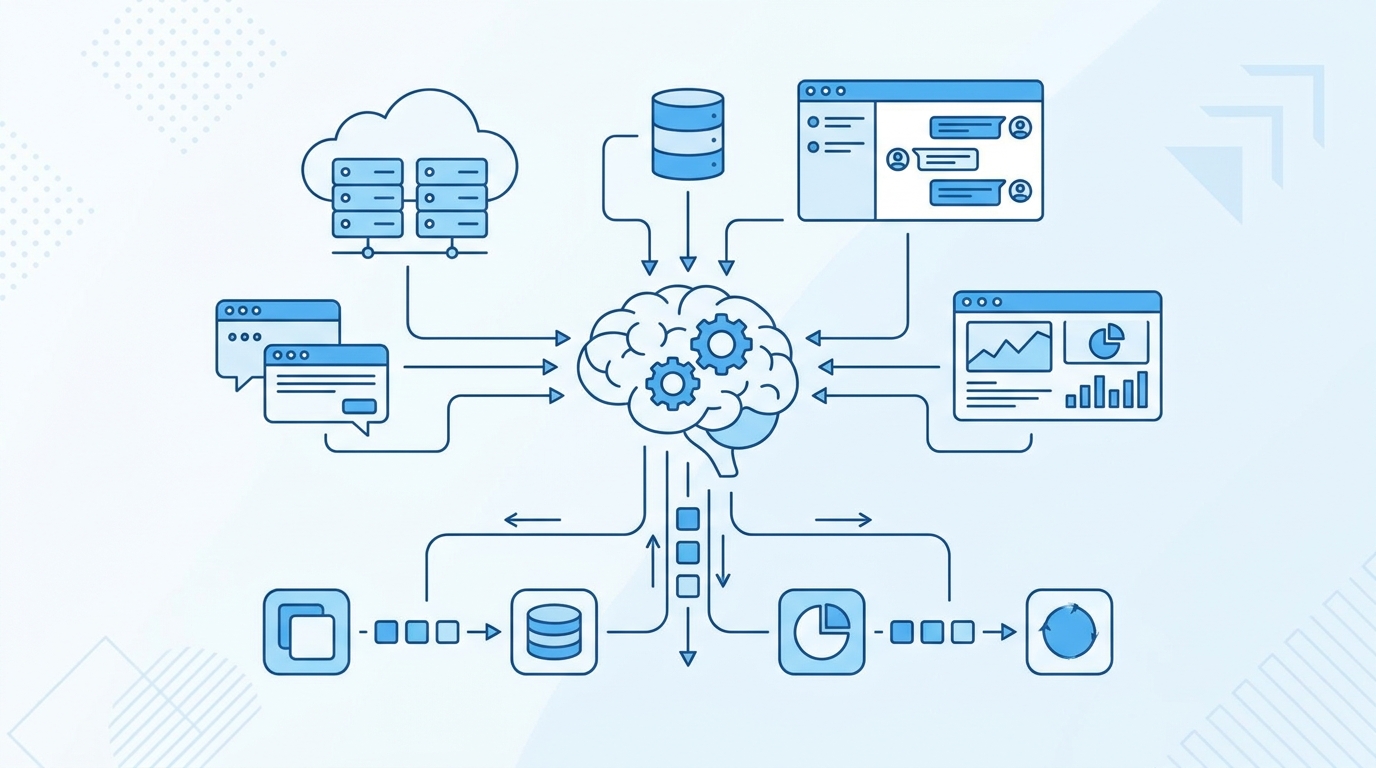
Your team’s calendar is full of meetings that exist because someone has to manually move data from one tool to another. Sales fills out the CRM, ops copies it to the spreadsheet, finance pulls it into the dashboard, the manager reformats it for the weekly report. Hours of work for what should be a one-click outcome.
Most automation tools (Zapier, Make, n8n) move data but stop short of doing real work. They can’t read a contract, summarize a meeting, categorize an email, or extract structured data from a messy PDF. AI changes that — workflows can now think, not just route.
The result: workflows that used to need a person now run by themselves. Your team gets time back. Errors drop. Things stop slipping through the cracks.
Book a free 30-minute AI Audit. We’ll identify 1-3 specific opportunities with clear ROI estimates. No pitch, no slides.
Book Your Free Audit →We design and build end-to-end automations that combine traditional integration platforms (n8n, Make, Zapier) with AI capabilities (extraction, classification, summarization, generation). The result is workflows that handle real cognitive work, not just data shuffling.
Common wins: automated invoice processing, lead qualification on autopilot, support ticket categorization and routing, weekly reports that build themselves, contract review and flagging, customer onboarding sequences that adapt to each customer.

Every system we build has measurable success criteria from day one. We don’t ship pretty UIs that no one uses — we ship outcomes.
Your team gets a working solution that fits the way you actually run, with full documentation, training, and our team on call when something needs tuning.
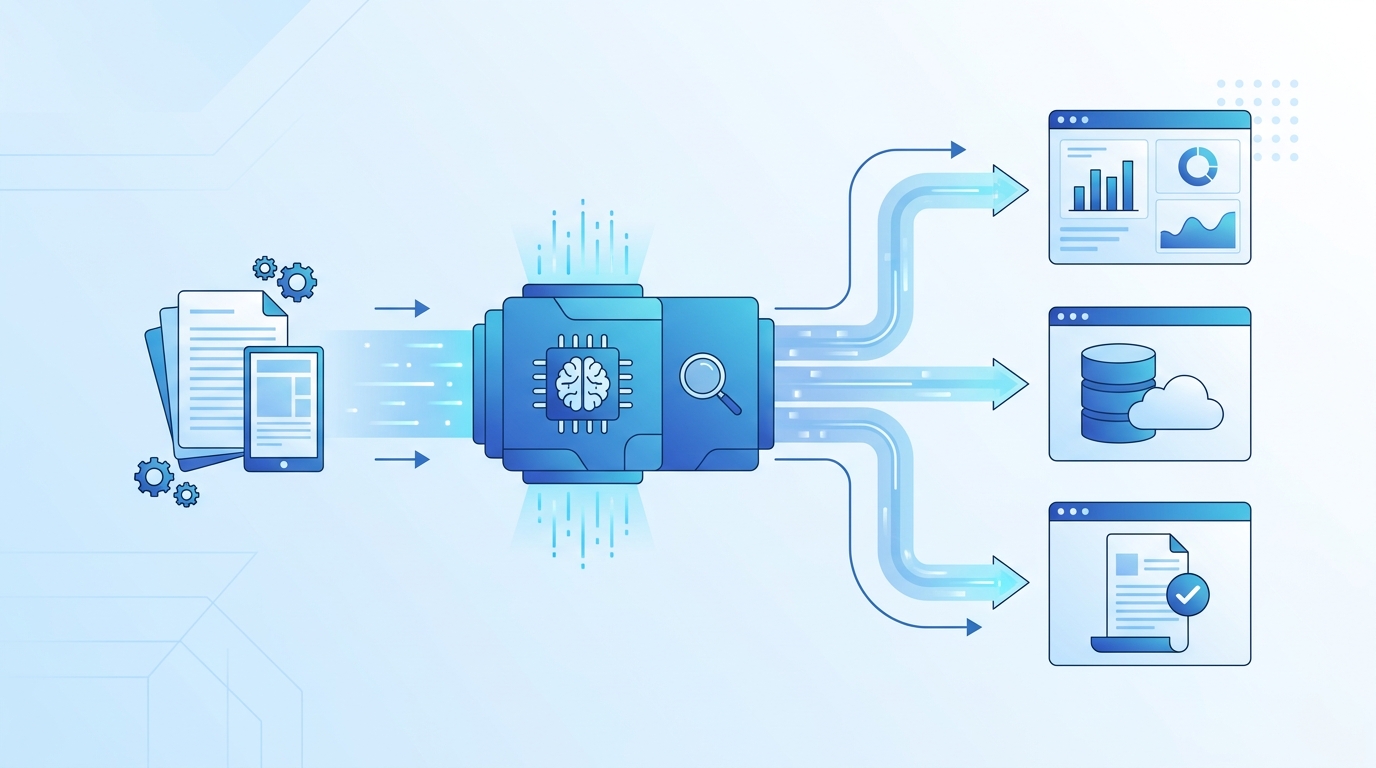
We map every recurring manual task across your team — who does it, how often, how long it takes, and what it depends on.
We rank automations by ROI — which ones save the most time, the most money, or eliminate the most friction. We start with the highest-impact ones.
We build each workflow on the right platform (n8n, Make, custom Python, etc.) and integrate with your existing tools.
We watch the workflows in production, fix anything that breaks, and add new automations as your business evolves.
Invoice extraction, expense categorization, monthly close prep, vendor payment automation, AR follow-up sequences.
Lead routing, CRM cleanup, deal stage automation, quote generation, contract creation and signing.
Ticket triage, automated responses to common issues, escalation routing, customer satisfaction follow-ups.
Campaign reporting, attribution analysis, content publishing pipelines, lead nurture automation, social media scheduling.
Most AI projects deliver one-time gains. Ours compound. As more of your operations run through AI systems, the data they collect makes them sharper week over week.
Six months in, you’ll be running circles around competitors who are still doing the work the old way.
Start with a Free Audit →
Most clients save 10-30 hours per week within the first month. We focus on workflows where the math is obvious.
We use the platforms you’re comfortable with (or recommend new ones). No vendor lock-in, you own the workflows.
AI adds judgment — categorizing, extracting, summarizing — that traditional automation can’t do.
Zapier moves data. We build complete workflows that include AI judgment, error handling, monitoring, and maintenance. We’re solving ‘this workflow’ not ‘this connection.’
No. We build on tools you own (n8n self-hosted, Make, your own Python). If we ever part ways, you keep everything.
Built in. The AI handles the work, then surfaces it to a human for approval via Slack, email, or a simple admin panel before completing.
Workflows are easy to update. We typically maintain them on retainer to keep them current as your business evolves.
Yes — that’s where AI shines. Inconsistent invoices, free-text emails, scanned PDFs, mixed formats — all manageable.
First workflow live in 1-2 weeks for most cases. ROI typically obvious within the first month.
Workflow automation eliminates the manual handoffs that kill enterprise speed. Our AI workflow automation platform connects systems, applies decision logic, and learns from outcomes so processes get faster every quarter.
Unlike RPA, AI workflow automation handles unstructured inputs, edge cases, and natural language. Pair workflow automation with document intelligence and knowledge assistant for compounding gains.
Related: Document intelligence · Knowledge assistant · AI strategy · Free audit
AI workflow automation connects the repetitive, rules-based steps in your operations and lets software run them end to end. Instead of a person copying data between systems, chasing approvals, or re-keying the same information into three tools, an AI workflow handles the hand-offs, makes routine decisions, and only escalates the exceptions that genuinely need a human.
The difference from older automation is judgment. Traditional scripts break the moment an input looks slightly different. An AI workflow reads context — an email, a PDF, a form, a chat message — extracts what matters, and routes it correctly even when the format changes. That resilience is what makes AI workflow automation viable across messy, real-world processes.
Finance teams use it to read invoices, match them to purchase orders, and queue payments. Operations teams use it to triage inbound requests and assign them to the right owner. Sales teams use it to enrich leads, log activity, and update the CRM without manual entry. In every case the pattern is the same: remove the swivel-chair work and give people back hours each week.
A reliable workflow starts with a clear trigger — a new email, a submitted form, a file dropped in a folder, or a scheduled time. From there, the workflow moves through a series of steps that each do one job well.
The first stage reads the incoming data. For structured data this is straightforward; for documents, emails, and free text, a language model extracts the fields you care about and normalizes them into a consistent shape the rest of the workflow can use.
Next, the workflow applies your logic. Thresholds, approvals, routing rules, and validation all live here. Because the model understands context, the rules can be expressed in plain language and still handle edge cases that would break a brittle script.
The workflow then writes the result where it belongs — your CRM, ERP, ticketing system, spreadsheet, or database. Good automation is bidirectional: it reads from and writes to the tools your team already lives in, so nothing has to change about how people work.
Finally, anything ambiguous is handed to a person with full context attached. This human-in-the-loop step is what keeps quality high while still automating the eighty to ninety percent of cases that are routine.
Not every task is a good candidate. The best first projects share three traits: they are high-volume, they follow consistent rules, and they currently cost real time. Start there and the payback is obvious within weeks.
Map each candidate process before you build. Write down the trigger, the steps, the systems touched, and the decisions made along the way. This map becomes the specification for the workflow and almost always surfaces hidden steps that were never documented.
If you can explain the task to a new hire in a short paragraph, an AI workflow can usually run it. If the rules live only in one person’s head and change constantly, document them first — automation amplifies clarity and also amplifies confusion.
Track the metrics that map to value: hours returned per week, cycle time from request to resolution, error rate before and after, and the percentage of cases handled without human touch. These numbers turn an automation project from an experiment into a budget line that defends itself.
Most teams find that the first workflow pays for itself quickly, and that the real compounding value comes from the second, third, and tenth — because the connectors, patterns, and guardrails you build once get reused everywhere.
In practice it removes the work people dislike — the copying, the chasing, the re-keying — and lets the same team handle more volume with fewer errors. The goal is leverage, not headcount reduction.
A focused, well-scoped workflow is usually live in days, not months. The mapping and the access to your systems take more time than the automation itself.
Accuracy comes from the human-in-the-loop design. The workflow handles the confident cases automatically and routes anything uncertain to a person, so quality stays high while volume scales.
Run workflows against scoped credentials, log every action, and keep sensitive data inside systems you control. Good automation is auditable end to end, which often improves compliance compared to manual handling.
AI workflow automation is not a single product you switch on; it is a practice of removing friction one process at a time. Begin with one high-volume task, measure the hours returned, and let each win fund the next.
Once a few AI workflow automation projects prove their value, the smart move is to treat automation as a capability rather than a series of one-off builds. A small center of excellence — even one or two people — sets standards for how workflows are designed, documented, secured, and monitored.
This group owns the shared building blocks: the connectors to your core systems, the prompt patterns that extract data reliably, the error-handling conventions, and the dashboards that show every workflow’s health. Reusing these assets is what turns the tenth workflow into a one-day project instead of a one-week one.
Every workflow should log what it did and why, expose a clear owner, and define what happens when something fails. These standards sound bureaucratic until the first time a silent failure costs you a customer; then they become the reason your automation is trusted across the business.
Automation touches real data and takes real actions, so governance matters from day one. Scope every workflow to the minimum access it needs. Keep an audit trail of each action. Decide in advance which decisions a workflow may make on its own and which always require a human signature.
Done well, AI workflow automation actually improves your control environment. Manual processes hide in inboxes and spreadsheets where no one can see them; an automated workflow is documented, logged, and consistent by design, which makes audits faster and compliance easier to demonstrate.
The most durable automations keep a person in the loop for the decisions that carry weight. The workflow does the heavy lifting — gathering data, drafting the output, checking the rules — and a human approves the final step. This pairing delivers the speed of automation with the accountability of human judgment.
The promise of AI workflow automation is leverage: handling more volume, more consistently, without growing the team in proportion to the work. As volume rises, a well-built workflow simply runs more often; it does not get tired, distracted, or inconsistent.
That leverage compounds. The connectors and patterns you build for one department serve the next. The time your team gets back goes into higher-value work that genuinely needs human creativity and relationships. Over a year, the difference between a team that automates its routine work and one that does not becomes impossible to ignore.
Pick one painful, high-volume process. Map it end to end. Build the workflow with a human approval step. Measure the hours returned and the error rate for a month. Then use that proof to fund the next two workflows. Ninety days in, you will have a working pattern, real numbers, and the internal credibility to scale automation across the organization.
AI workflow automation rewards teams that start small, measure honestly, and reuse what works. The first win funds the second; the second funds the rest.
Workflow automation eliminates the manual handoffs that kill enterprise speed. Our AI workflow automation platform connects systems, applies decision logic, and learns from outcomes so processes get faster every quarter.
Unlike RPA, AI workflow automation handles unstructured inputs, edge cases, and natural language. Pair workflow automation with document intelligence and knowledge assistant for compounding gains.
Related: Document intelligence · Knowledge assistant · AI strategy · Free audit
