
We scan what you expose to the internet and what’s running inside your office, explain the results in plain English, help you fix what matters, and rescan to prove it’s closed. Once, or on a recurring schedule.
Book your free 30-min AI Audit → Client login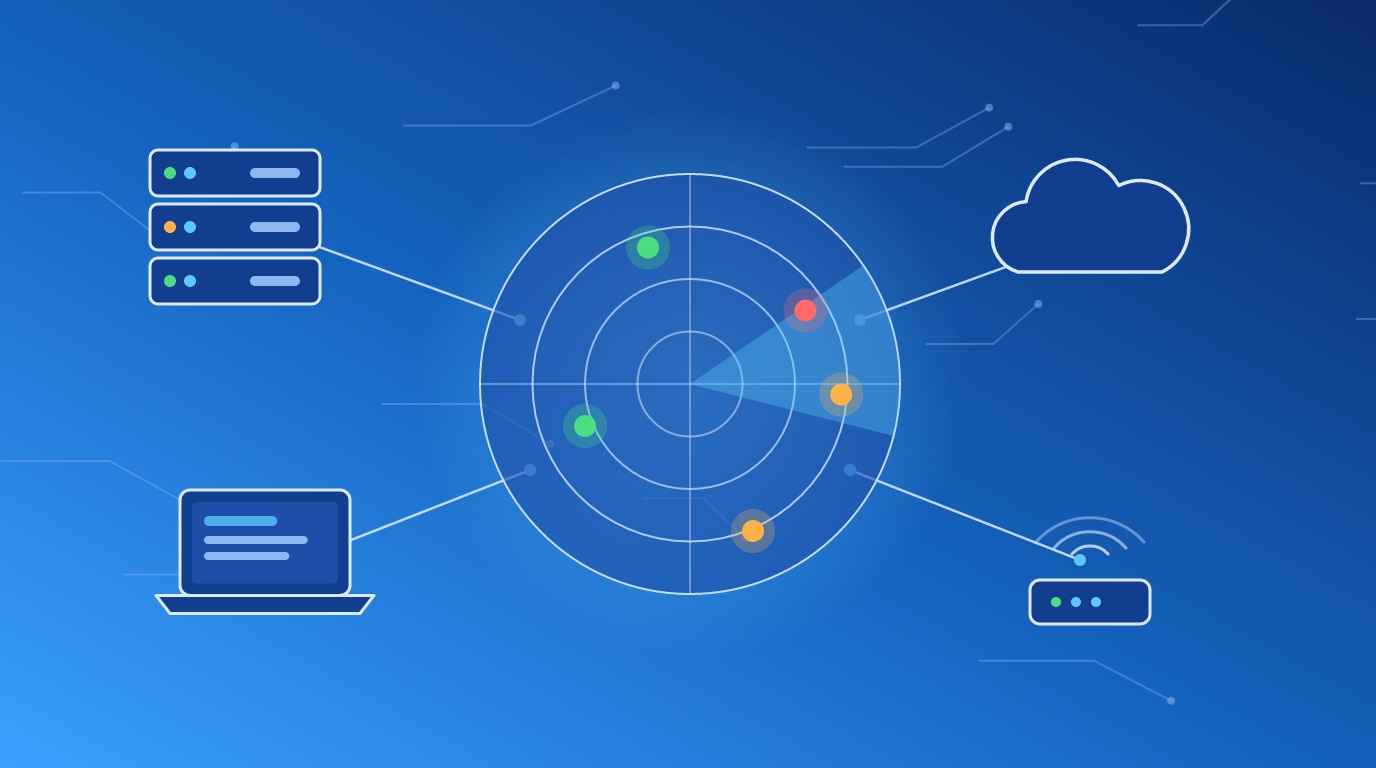
Your business gets scanned every day already. Not by you.
Automated tools sweep the whole internet around the clock, looking for exposed login pages, old VPN boxes, remote desktop ports and websites running outdated plugins. Public search engines such as Shodan index what they find. When a new flaw is announced in a popular firewall or file-transfer product, attackers start checking for it within days, sometimes hours, and they don’t care how big your company is.
Meanwhile, the inside of most small networks is a museum. A Windows server nobody wanted to touch. A printer with its factory password. A shop-floor PC running software from three versions ago because the machine it controls only talks to the old one. A remote access port someone opened for a vendor in 2021 and never closed.
None of it is visible from your desk. All of it is visible to a scanner.
The fix isn’t panic. It’s knowing what’s exposed, fixing the dangerous parts first, and checking again on a schedule so new problems don’t sit there for a year.
Tell us about your setup on a 30-minute call and we’ll tell you what we’d scan first.
Book your free 30-min AI Audit →Everything reachable from the internet: your public IP addresses, domains, websites, email servers, VPN and remote access gateways, and any device someone forwarded a port to. This is the view an attacker gets.
Workstations, servers, printers, network gear and anything else on your office network, from the inside. This is the view an attacker gets after one employee clicks the wrong link.
With a read-only account you provide, we scan deeper, checking installed software and missing patches on each machine instead of guessing from the outside. Where your systems allow it, this gives a far more accurate picture.
New flaws are published every week. A clean scan in March says little about September. We run scans monthly or quarterly, track what’s new and what’s fixed, and flag anything critical between scheduled runs.
Raw scanner exports run to hundreds of pages and rank everything by a generic score. We sort findings by what’s dangerous on your network: what’s reachable, what has a known exploit in use, and what sits on a system holding data you care about.
For each finding: what it is, why it matters, and the fix, in language your office manager follows and your IT provider acts on.
Your team or IT provider handles the fixes, or we do. Patches, configuration changes, closing ports, retiring systems nobody uses.
After fixes go in, we rescan the affected systems to confirm the problem is gone. A fix nobody verified is a fix nobody knows about.
On a recurring plan, each report shows what’s new, what’s fixed and what’s still open since the last scan, so you see whether things are getting better.
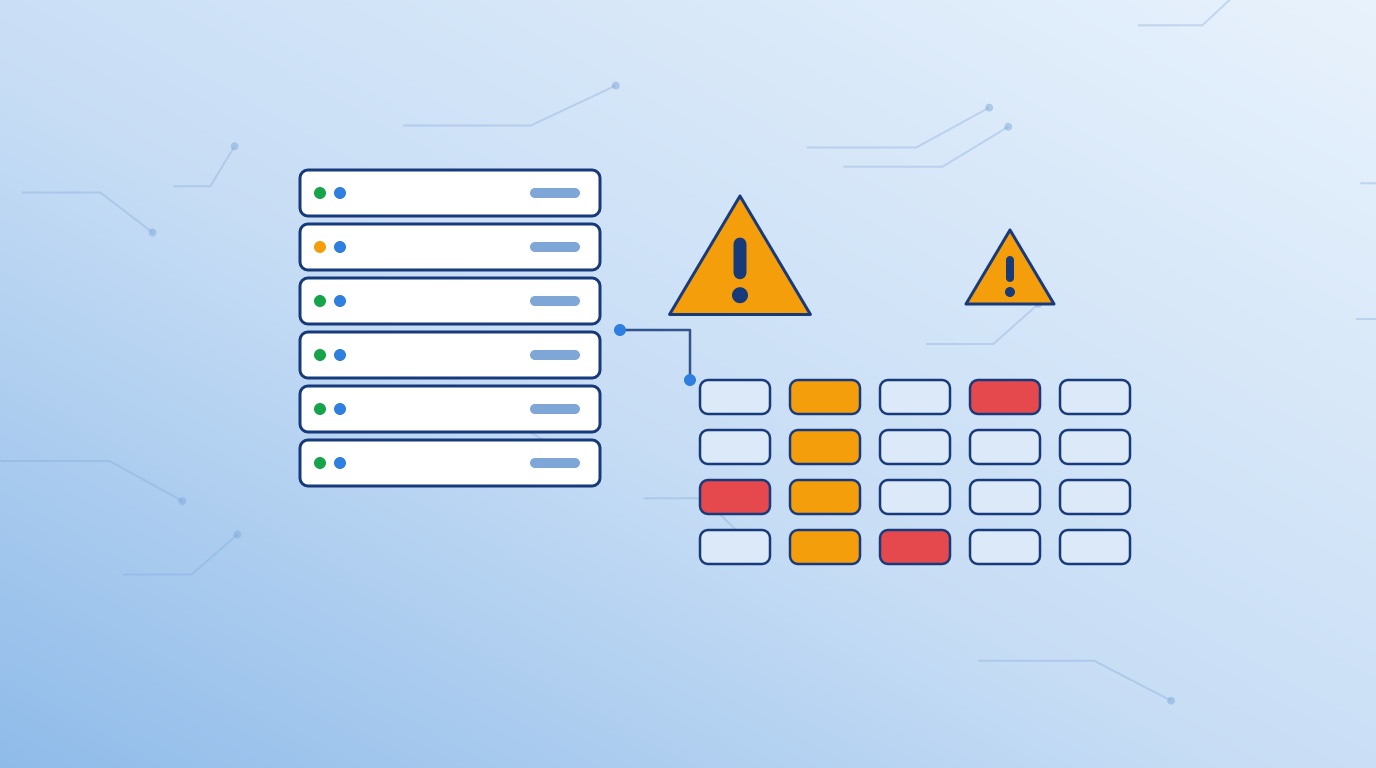
A raw scanner export ranks everything by a generic score. We rank by what’s reachable, what has a known exploit in use, and what sits on a system holding data you care about.
The dangerous few get fixed first.
We learn what you run, where it’s hosted and what prompted the question.
We list the IP addresses, domains and networks in scope, agree on scan windows, and you sign an authorization before we scan anything. We only scan systems you own or control. If your website or servers sit with a hosting company or cloud provider, their rules apply too, and we check them first.
We run the scans in the agreed windows, and keep fragile systems, such as older machine controllers or medical devices, out of scope or scanned lightly on your say-so.
You get the ranked report and fix list. We walk through it with you and whoever handles your IT, then fix or support the fixes.
We confirm the fixes, then scan again on the schedule you chose.
Your cyber insurer, a large customer or a lender asks whether you scan for vulnerabilities. You need a real answer and a recent report to back it up.
NIST SP 800-171 requirement 3.11.2 calls for scanning your systems for vulnerabilities periodically and when new vulnerabilities are identified, and 3.11.3 calls for fixing them according to your risk assessment. Assessors want to see scan reports and evidence of fixes over time, not a single scan from the week before. Scanning fits inside our NIST 800-171 and CMMC readiness work, or runs on its own.
Manufacturers, clinics and labs often run equipment tied to old operating systems. Scanning shows what’s exposed so you isolate it from the rest of the network instead of guessing.
A new firewall, a move to a new office, a new website host, a merger. Scanning after the change shows what got opened by accident.
Published prices for the same kind of work, from each provider’s own website. Shorter bar, lower price.
Internal and external scans with a report ranked by severity.
Assessment, scanning and NIST 800-171 readiness from one team. Nobody above publishes a combined price, so this compares buying the three separately.
Other providers’ prices and scope are quoted as published on their own websites, checked October 16, 2026. Names link to the source page. Scope is close to ours but not identical, and prices change, so check each provider for current terms.
RSI Security’s figure adds its listed internal and external scan prices. Invadel’s figure is two of its $1,500 scans, one internal and one external. Totem Technologies’ price includes a year of its compliance software.
demelos prices are starting prices for a company of up to about 25 users at one location. Fixing the gaps and any new licensing, such as Microsoft GCC High, are quoted separately.
On a recurring plan, each report shows what’s new, what’s fixed and what’s still open since the last scan.
You see the trend. So does anyone who asks for proof.
Book your free 30-min AI Audit →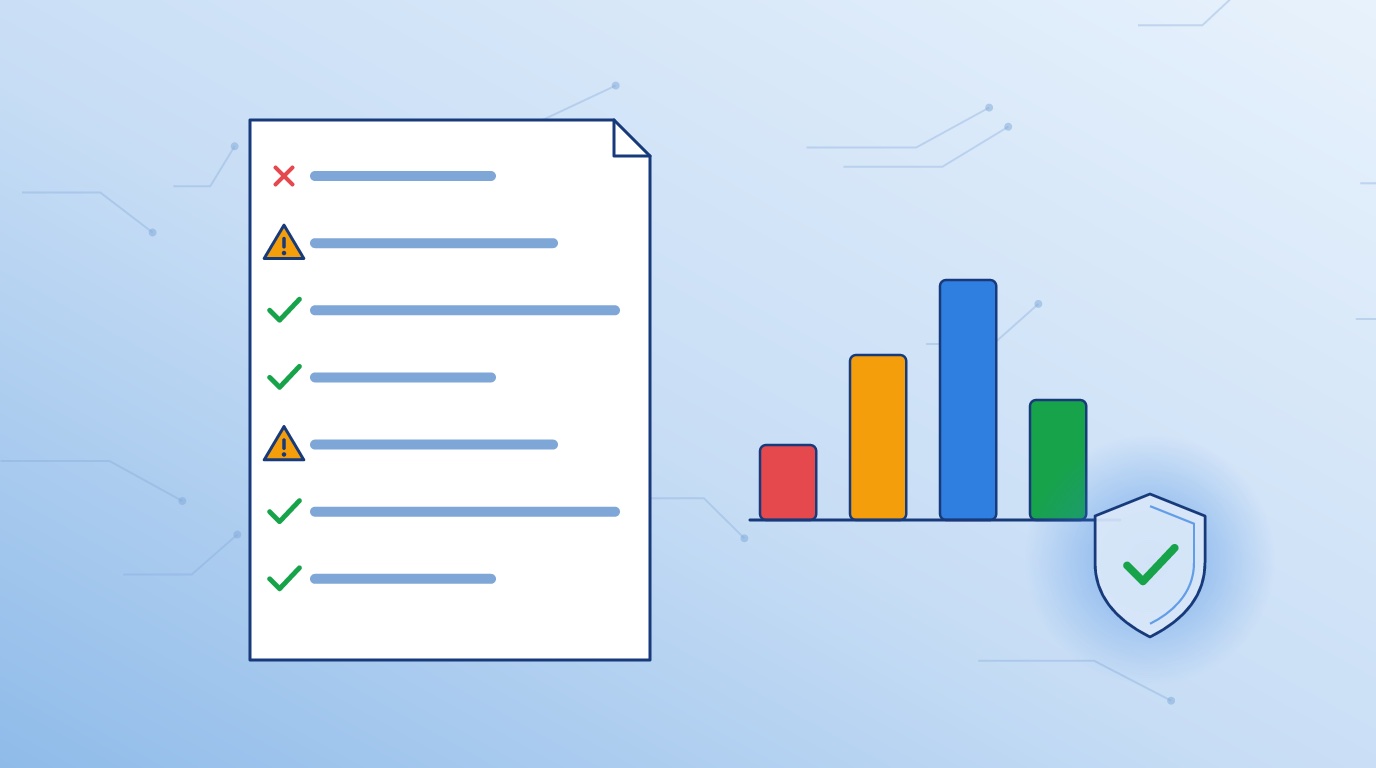
Most scanning services email you a report and an invoice. We walk through the results with you and do the fixes if you want us to.
A vulnerability scan finds known flaws. It isn’t a penetration test, and we don’t sell it as one. If you need a pen test, we’ll tell you.
Before scanning, we ask about systems which don’t tolerate it: shop-floor controllers, medical devices, old servers running a single critical program. You decide how each one gets handled.
Scan findings feed straight into a security assessment or CMMC work if you need it, without starting over with a new firm.
For modern systems, rarely. Some older equipment, such as machine controllers, medical devices and aging servers, reacts badly to scans. We ask about these before we start, schedule scans outside your working hours where you want it, and exclude or limit anything fragile on your instruction.
At least quarterly for most small businesses, and after any significant change to your network. Monthly is better if you’re working toward CMMC or hold sensitive client data. New vulnerabilities get published every week, so a single scan goes stale fast.
No. A scan checks your systems for known vulnerabilities using automated tools. A penetration test is a person actively trying to break in and chain weaknesses together. Scanning is the regular checkup; a pen test is the occasional deep exam.
No. If you take card payments, PCI DSS requires quarterly external scans by an Approved Scanning Vendor, and demelos is not one. Our scans help you find and fix problems before the ASV scan, and cover your internal network, which ASV scans don’t.
A list of what you own (or we build it with you), written authorization for the systems in scope, a read-only account for credentialed scans, and a contact who handles your IT. If a hosting company runs your website or servers, we confirm their scanning rules with you first.
Yes, if you want us to. Your team or IT provider handles the fixes, or we do. Either way, we rescan to confirm the problem is closed.