
We review your email and file sharing, laptops, network, backups and policies, then hand you a findings report with every issue ranked by risk and a fix list in the order it matters. If you want help fixing it, we do the work.
Book your free 30-min AI Audit → Client login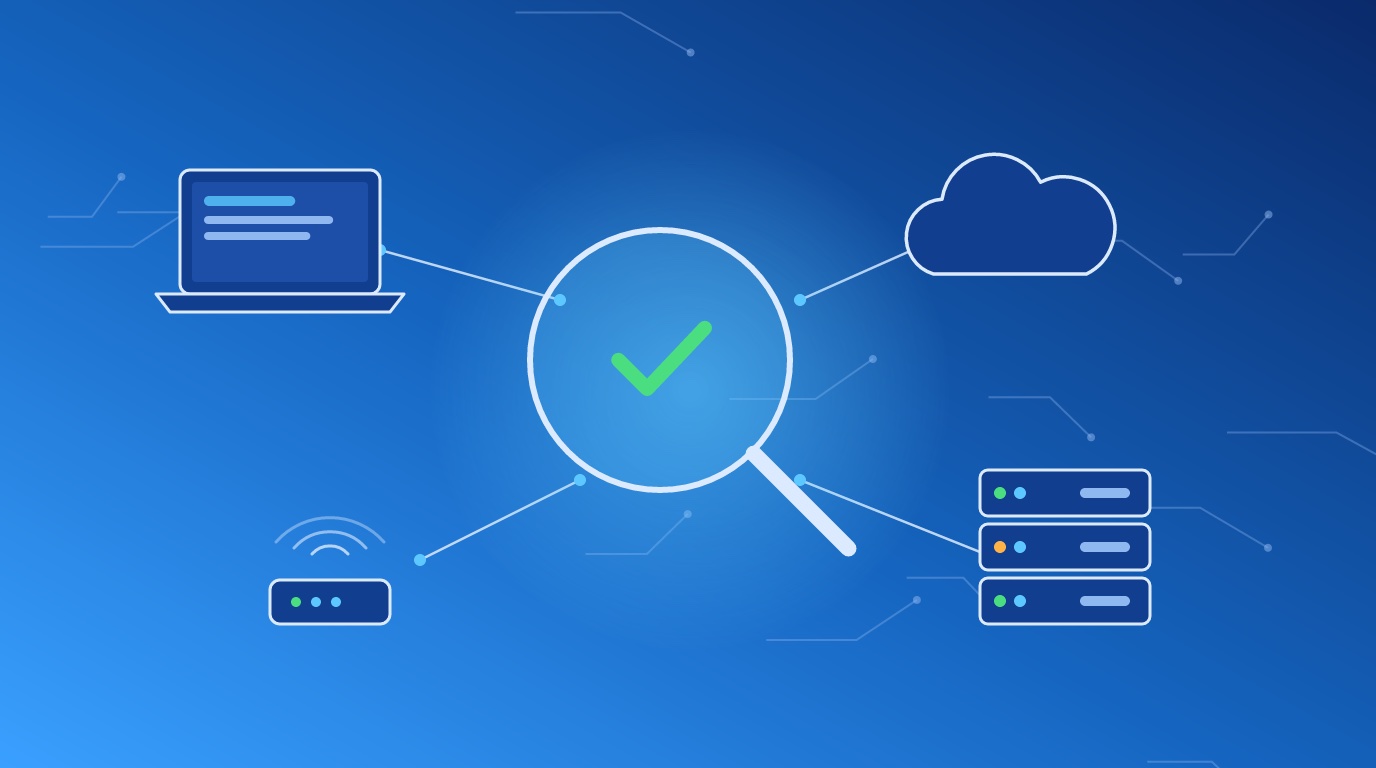
Ask most owners how secure their business is and you get a shrug, or “our IT guy handles it.” Then you look.
The Microsoft 365 account was set up in 2019 by whoever was around at the time. The global admin is the owner’s everyday login, with no multi-factor sign-in. Someone’s mailbox has a forwarding rule sending copies of every message to an outside Gmail address, and nobody knows who created it. Two people who left last year still have working accounts. The backup is a box in the supply closet, plugged into the same network as everything else, and nobody has tried restoring a file from it since the day it was installed.
None of these show up on their own. The business runs fine right up to the day it doesn’t.
And the questions are coming from outside now. Your cyber insurance renewal asks whether you enforce multi-factor sign-in on email and remote access, whether backups are offline or separated, whether you run endpoint protection. A client sends a vendor-security questionnaire before renewing your contract. A wrong “yes” on the insurance form is a problem you find out about after a claim.
You need an honest picture first. Then a short list of what to do about it.
Thirty minutes, no slides. Tell us about your setup and what’s worrying you.
Book your free 30-min AI Audit →We cover the five places where small and mid-size businesses get hurt most.
Admin accounts and who holds them. Multi-factor sign-in coverage. Sign-in and sharing settings. Mail forwarding rules. Third-party apps with access to mail and files, including AI tools staff have connected on their own. Protection against people spoofing your domain in email.
Which machines run operating systems the vendor still patches. Whether updates are installed. Disk encryption. Endpoint protection coverage. Who has local admin rights and why.
Firewall settings, remote access, Wi-Fi, guest separation, and anything on your network reachable from the internet. If you want the external side tested in depth, we pair this with vulnerability scanning.
What gets backed up, where it goes, how often, and whether a ransomware infection on your network would reach it too. We ask you to restore a file while we watch. A backup nobody has restored is a guess.
Written security policies, if you have any. How you set up new hires and shut off access when people leave. Whether you have an incident plan and who’s on it. Whether staff know what a phishing email looks like. Whether you have a policy for AI tools, and what data your team puts into them.
If your insurer, a customer or an auditor names a specific framework, tell us on the first call.
One page up front for the owner: where you stand and the five things to do first. Then every finding, each with a risk rating (critical, high, medium or low), what it means for the business in plain terms, and the fix.
Ordered by risk and by effort, so the quick, high-value fixes come first. Your team, your IT provider or demelos works through it.
We go through the report with you and whoever handles your IT, answer questions, and agree on who fixes what.
Once fixes are in, we confirm the critical and high findings are closed.
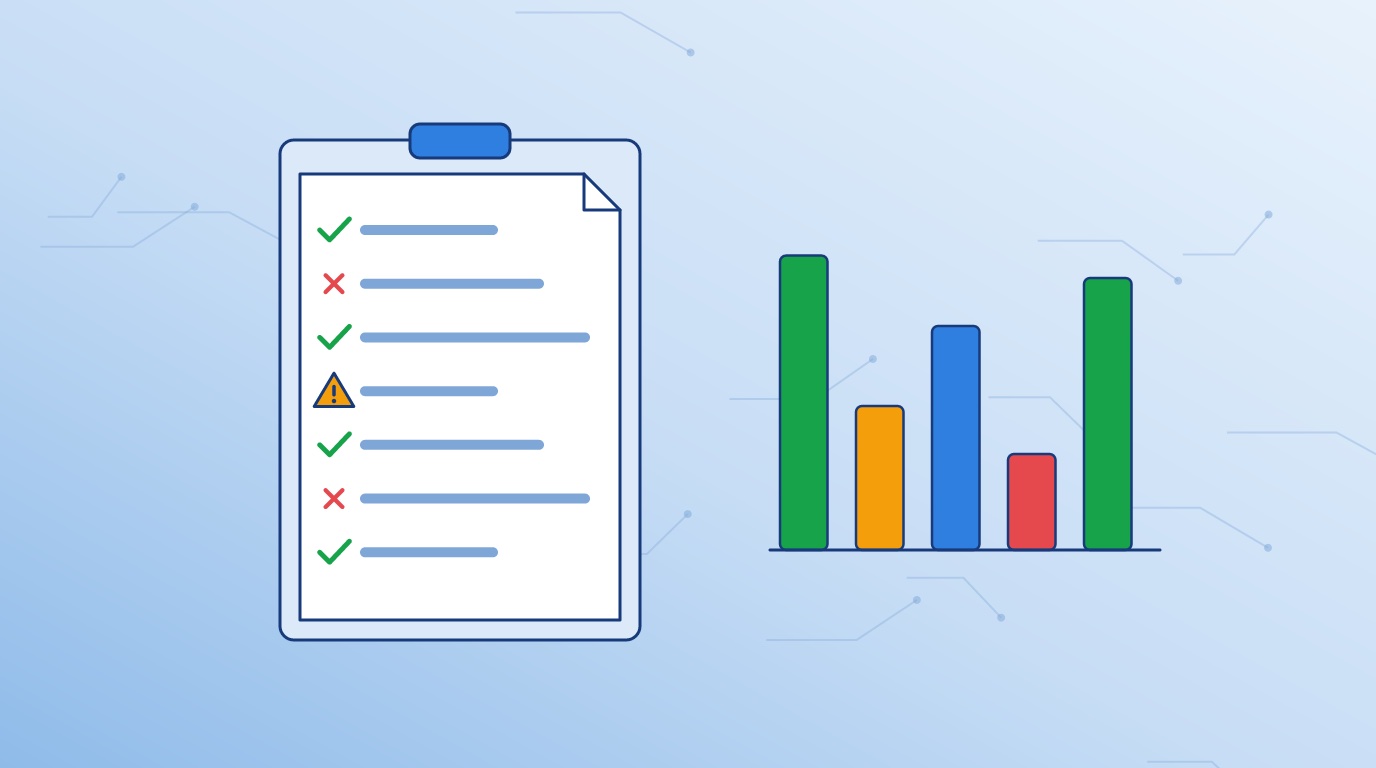
Each finding gets a risk rating from critical to low, a line on what it means for the business, and the fix.
Quick, high-value fixes go to the top, so the worst gaps close first.
We learn how your business runs: how many people, which systems, who handles IT, and what prompted the call.
We send a written scope and quote. You sign off on the systems in scope and the access we’ll use before any work starts.
Most of the work happens in the background, through the admin access you grant us and short conversations with you and your IT contact. We schedule anything needing a person on site.
You get the findings report and fix list, and we walk through them together.
Your team fixes, or we do. Then we confirm the high-risk items are closed.
HIPAA requires a security risk analysis. If yours is years old or was a checkbox exercise, our assessment gives you the findings and fixes to feed a current one. We don’t sign off on HIPAA compliance, and we’ll tell you where you need a compliance specialist.
You move client money and hold client secrets, which makes your inbox worth stealing. We look hard at email: who signs in from where, which forwarding rules exist, and whether a fake email from your own domain would land in a client’s inbox.
The questionnaire asks about multi-factor sign-in, backups, endpoint protection and training. We tell you which answers are true today, and help you fix the ones which aren’t before you sign.
If you hold DoD contracts with CUI, a general assessment is a useful first look, but the formal work is a gap assessment against NIST SP 800-171. We’ll point you to NIST 800-171 and CMMC readiness and skip the duplicate effort.
Someone clicked a link, a vendor’s account got compromised, or money nearly went to the wrong account. Once things are stable, we find out how it happened and what else is open. If you’re in the middle of an active incident, call your cyber insurer’s claims line first; most policies want you to use their response team.
Published prices for the same kind of work, from each provider’s own website. Shorter bar, lower price.
Review of email and cloud accounts, computers, network, backups and policies, with a written report of what to fix first.
Assessment, scanning and NIST 800-171 readiness from one team. Nobody above publishes a combined price, so this compares buying the three separately.
Other providers’ prices and scope are quoted as published on their own websites, checked October 16, 2026. Names link to the source page. Scope is close to ours but not identical, and prices change, so check each provider for current terms.
RSI Security’s figure adds its listed internal and external scan prices. Invadel’s figure is two of its $1,500 scans, one internal and one external. Totem Technologies’ price includes a year of its compliance software.
demelos prices are starting prices for a company of up to about 25 users at one location. Fixing the gaps and any new licensing, such as Microsoft GCC High, are quoted separately.
Email is where the money moves. We check who signs in and from where, multi-factor sign-in coverage, forwarding rules, and every app connected to your mailboxes.
One stolen login is enough to send your customers a fake invoice.
Book your free 30-min AI Audit →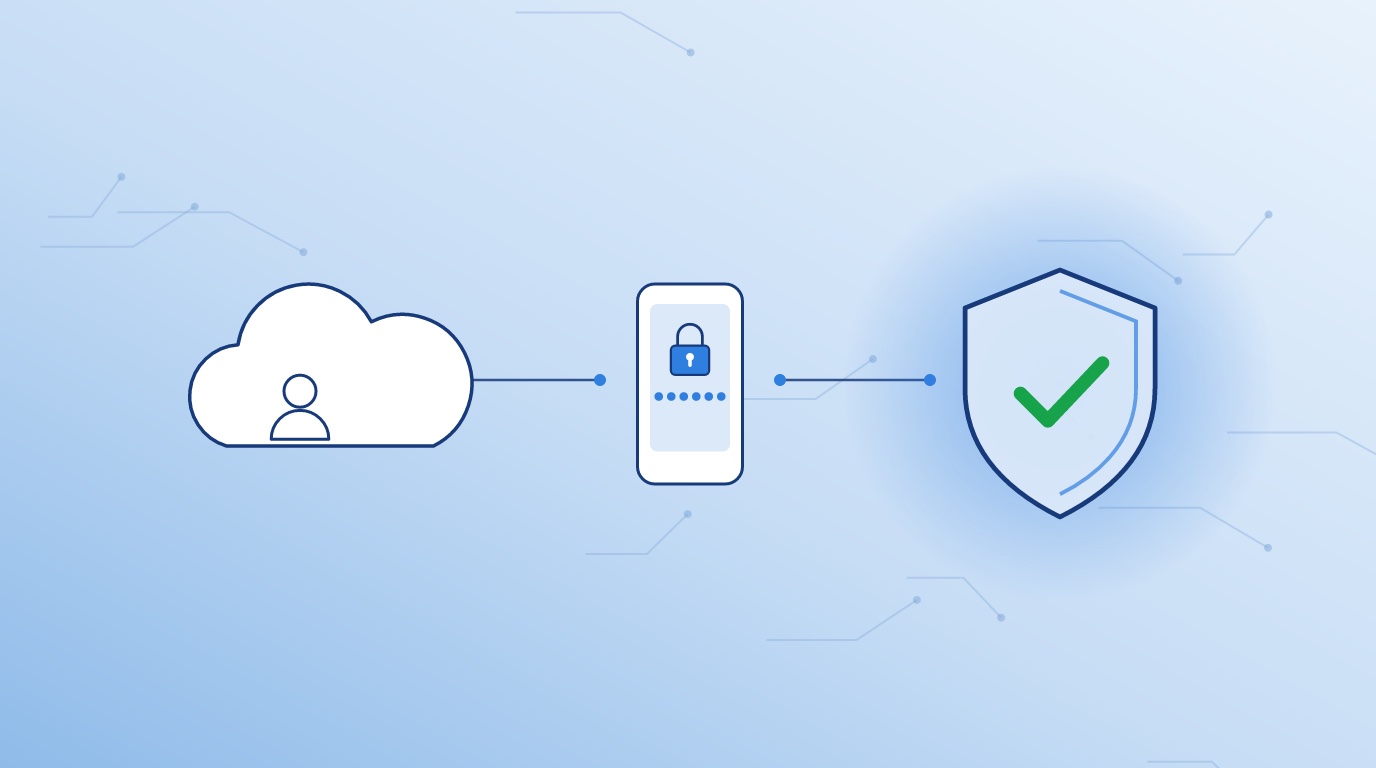
The report is the start, not the end. We build and support systems for clients, so the fix list comes with an offer to make the changes, not a referral.
If someone already manages your IT, we bring them into the scope call and the walk-through. The goal is a fixed business, not a blame report.
Staff connect AI note-takers to their calendars and paste contracts into chatbots. We check which AI tools have access to your data and whether you have a policy covering them. If you don’t, our AI policy template is a starting point.
Every finding says what it means for your business. If we write something you don’t understand, we rewrite it.
No. An assessment reviews your settings, devices, backups and policies to find gaps. A penetration test is a person actively trying to break in. Most small businesses get more value from an assessment first, because it finds the gaps a tester would walk through.
Rarely. Most of it runs through admin access to your Microsoft 365 or Google Workspace and short conversations with you and your IT contact. Anything needing time on your machines, we schedule with you ahead of time.
No. We ask you to create a dedicated account for us with the access the review needs, protected with multi-factor sign-in, and to delete it when we’re done. Never send a password by email, to us or anyone else.
Because nobody should grade their own work. Your IT provider keeps things running; an assessment checks whether the setup holds up. We share findings with them and work with them on the fixes.
It depends on your size and how many locations and systems are in scope. We give you a start date and a report date in the written quote, before you commit.
It depends on the number of people, devices and locations in scope. We give you a written quote after the free call. No work starts without your sign-off.